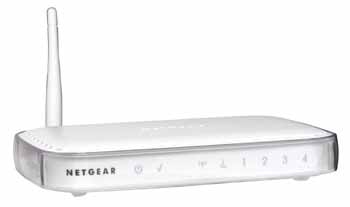
Connecting a Netgear Wireless router to another router that supplies DHCP.
If there is already a router or a router/IAD acting as a DHCP server on your network then you will want to disable DHCP from the second router, in this case the wireless router, if you don't double NAT can cause one way audio and signalling issues for a VoIP connection, as well as other connections. The first step in configuring the D-Link router would be to connect an Ethernet cable directly from a computer to one of the four numbered Ethernet ports in the Netgear wireless router. Then power up the wireless router and then power up the